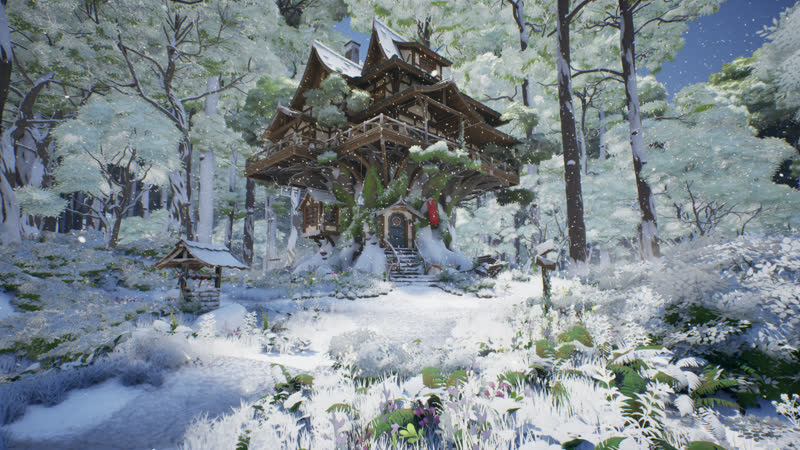
Summary
19 graphs · 39 variables · 2 presetsOne TimeOfDay float (0–24 h) rotates the sun and moon and decides which one is active, with a short twilight overlap.
DA_Sunny and DA_Snowy hold every lighting value as typed structs. Switching the preset re-lights the level.
A Material Parameter Collection drives one material function used by the landscape, foliage, rocks, props and buildings.
The update runs from the Construction Script, so changing TimeOfDay or the preset in the Details panel updates the viewport live.
Architecture
data in · components outThe actor reads the clock and the weather preset, then pushes values to engine components, two dynamic material instances, Niagara and one global parameter collection. Every material that reacts to weather reads that collection, so the Blueprint never holds references to individual meshes.
Construction Script
UserConstructionScript · 9 nodesEverything runs in a fixed order from the Construction Script, which is what makes the editor preview work. The sky sphere first gets a dynamic material instance; the Branch stops the chain if that failed, so the sky is never left half-updated. Weather runs first because it sets the lighting baseline that the time-of-day functions then adjust.
Rebuilt from the asset with an editor script, not a mock-up.
Created_DynMI_SkySphere and returns whether it is valid.EWeatherType. Sunny: snow off, apply lighting. Snowy: snow on, push particle settings to Niagara, apply lighting.TimeOfDay to sun and moon pitch. Yaw comes from SunMoonRotation, so the sun path can be turned to suit the level layout.IsDayTime and the moon light only while IsNightTime, and drives the sun disk on the sky sphere material.ECloudMode: none, 2D clouds in the sky sphere material, or volumetric clouds with their own dynamic material instance. Snowy weather turns both off and lets the overcast atmosphere and fog carry the sky.Time of Day
HandleSunMoonRotation · IsDayTimeThe sun's pitch is a MapRangeUnclamped of TimeOfDay from [DawnTime, DuskTime] to [0°, −180°]. It rises at dawn, peaks at midday and sets at dusk for any day length the artist picks, and because the range is unclamped it keeps rotating below the horizon at night.
The moon uses two segments: from DuskTime − 0.3 to 24 h it climbs from −180° to −90° (overhead), and from 0 h to DawnTime − 0.3 it falls back to 0°. IsDayTime and IsNightTime use the same 0.3 h (18 min) offset, so both lights exist briefly at each twilight and the hand-over is not a hard cut.
Shown with DawnTime 6 and DuskTime 18. Elevation is the negative of pitch until the light passes overhead, which gives the triangular profile. A longer day changes the slope; the twilight bands stay fixed.
Weather Presets
BP_WeatherDataAssetBaseEach preset is a Data Asset whose values are grouped into one struct per engine component. SetWeatherLightingProperties breaks each struct and applies it to that component, so adding a weather type means a new enum entry and a new Data Asset, with no change to the lighting code.
ToggleSnow writes IsSnowing and SnowAmount to MPC_WeatherProperties and enables both Niagara components. The snowy branch pins TimeOfDay to 11:00; the hyperlapse renderer adds a LockTimeOfDayInSnowyWeather branch at render time so snow can fall through a full day and night.
Snow Material
MF_SnowyWeatherBlendMF_SnowyWeatherBlend sits at the end of each surface material (landscape, foliage, trees, rocks, the well, the cart and the tree house). It takes the material's own attributes and returns them blended with a snow surface.
SnowMaskStrength power: tops collect snow, walls stay clear.saturate(noise + SnowAmount·2 − 1), so snow grows outward from noise peaks instead of fading in uniformly.SnowAmount 0 → 1 after a short delay.Production
Python render pipelineThe final video was rendered by an editor Python pipeline that plays the level in PIE, drives the Blueprint frame by frame and captures each frame with HighResShot. Render-only changes are applied in memory, so project assets stay untouched. Most of the work went into finding why light changes popped instead of flowing: mean luminance was measured on every frame, and each jump was traced to its cause.
21 panes found by scanning emissive mesh sections. Each gets a rect light and spill light, a 2350–3000 K tint and its own nightly schedule. A Custom HLSL node masks the shared emissive material per pane by world position, with factors packed into MPC vectors.
A time-density warp slows the clock around sunsets and sunrises (about 3× at the first dusk) and eases into a long final shot, keeping the total at 36 s.
A C++ editor plugin, generated with AI assistance for this project’s needs, exposes struct, enum, timeline, macro and Niagara-parameter editing to Python, so Blueprint and data changes are scripted and repeatable.
Per-frame state logged to JSON becomes an ASS subtitle track styled like this Details panel, composited with ffmpeg alongside a cinematic grade and letterbox.
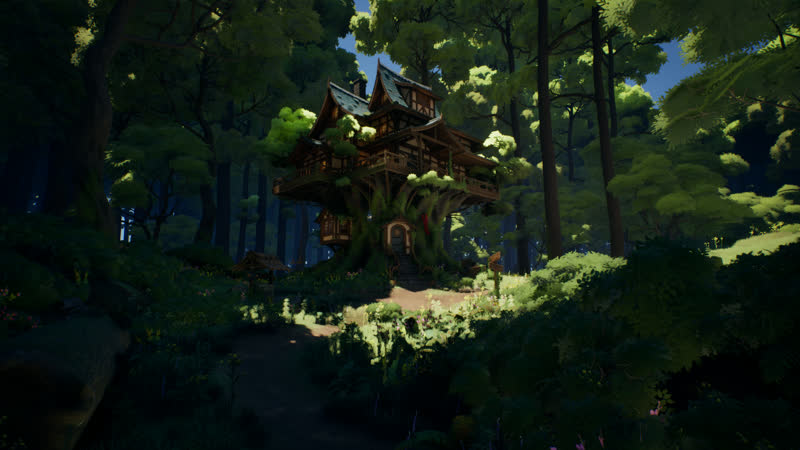
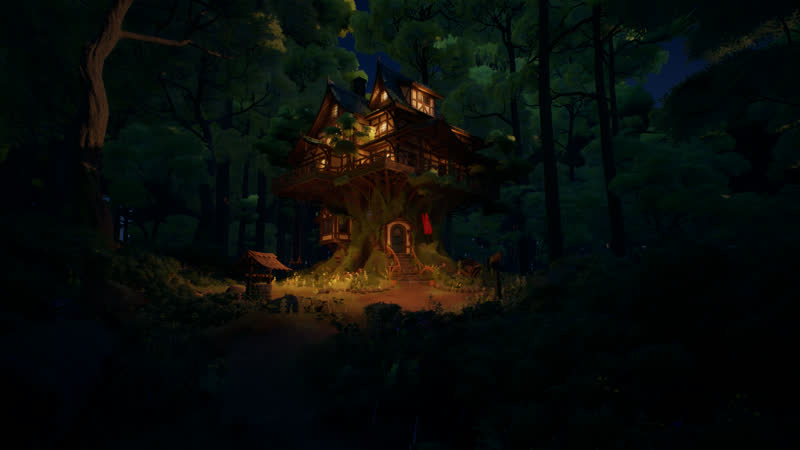
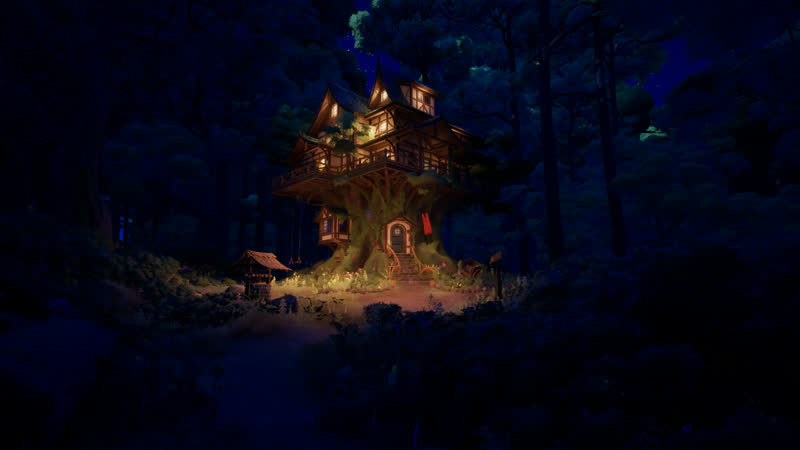
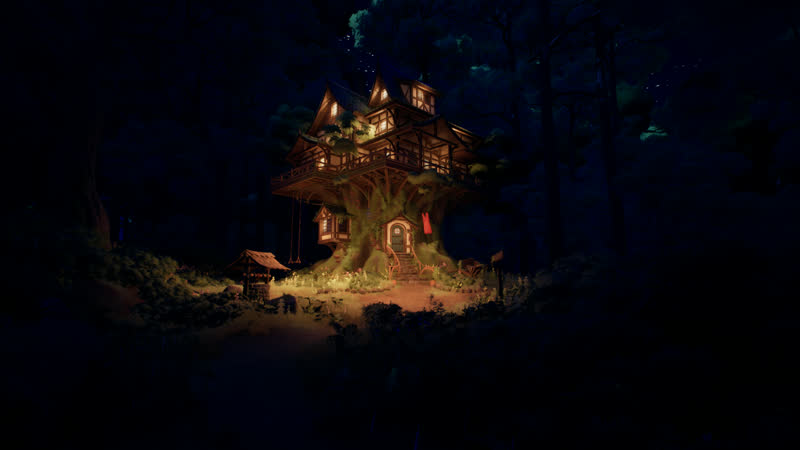
Stills
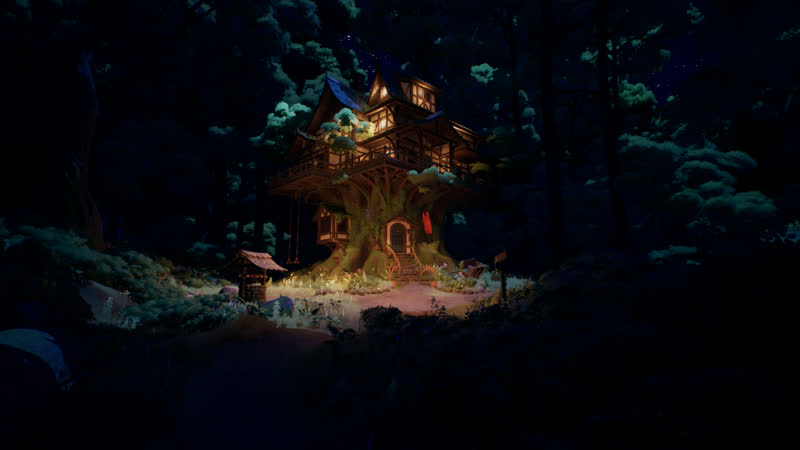
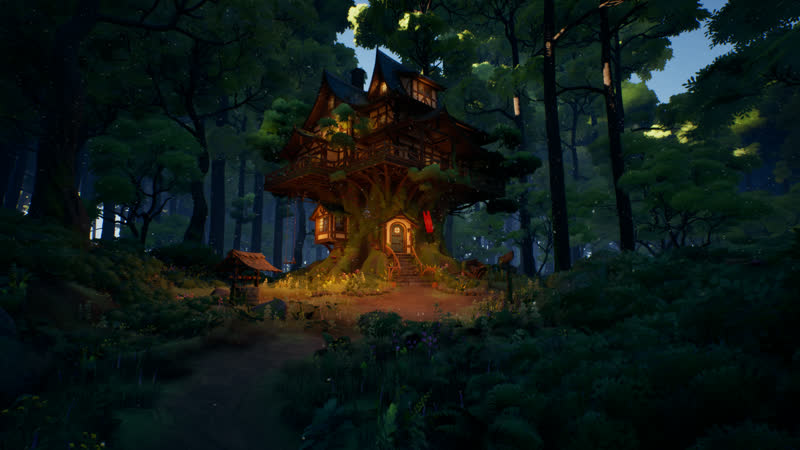
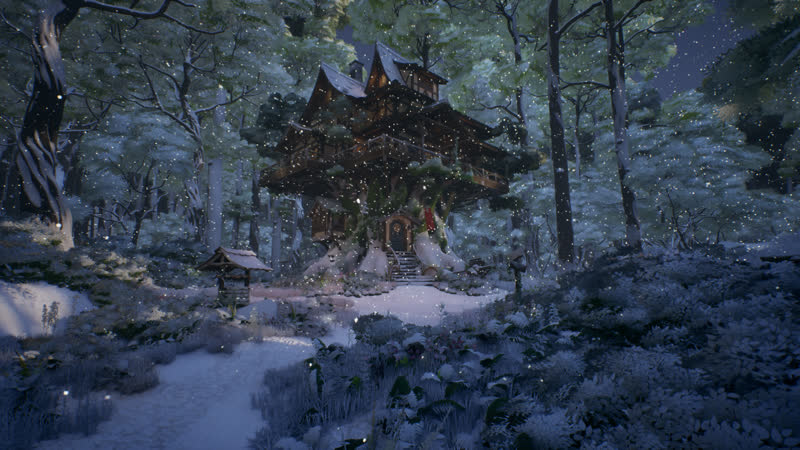
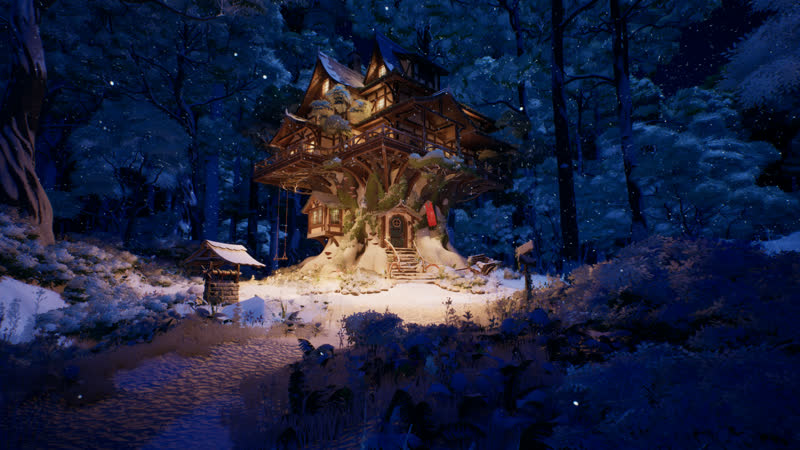
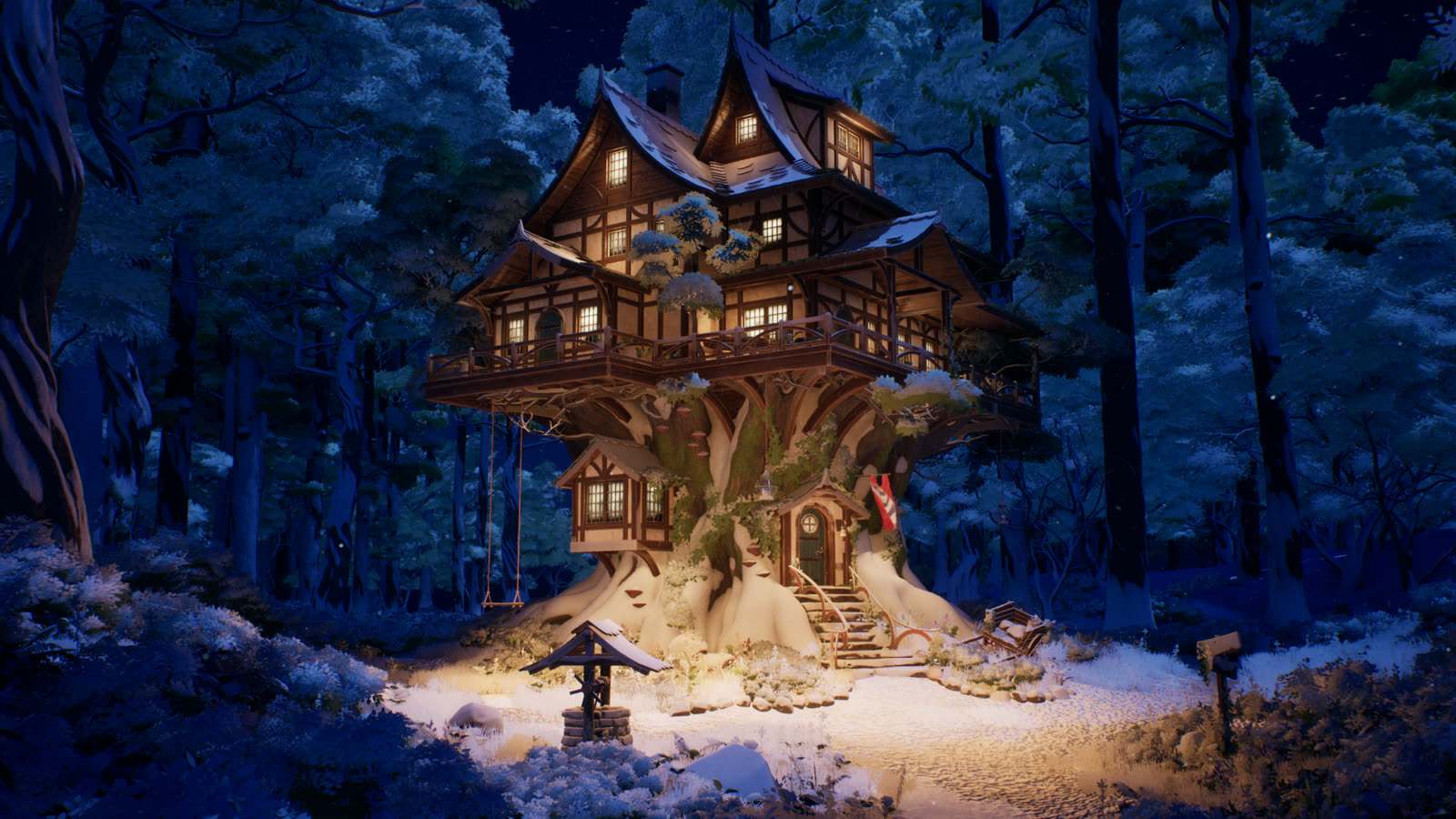
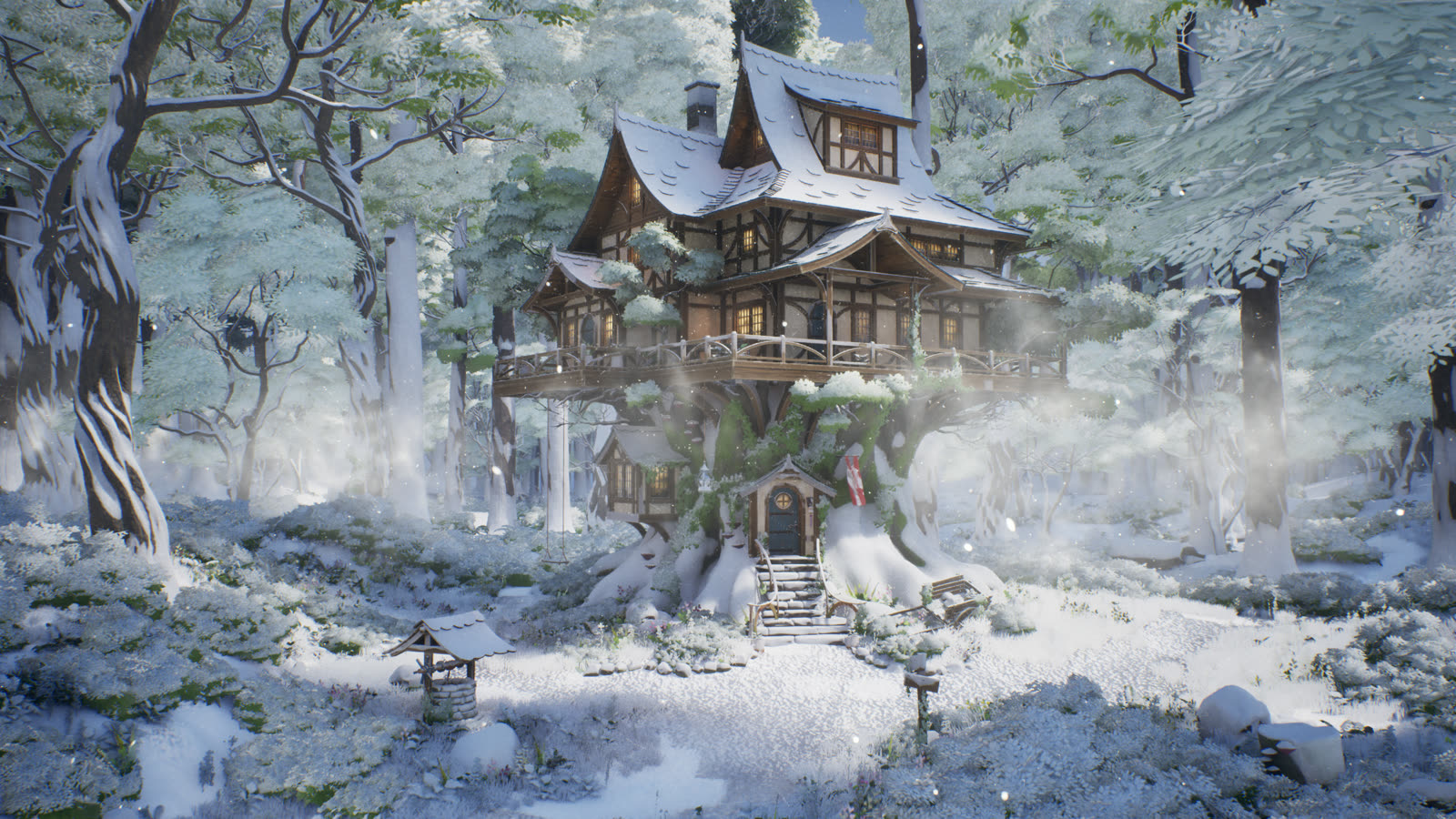
3840 × 2160 · HighResShot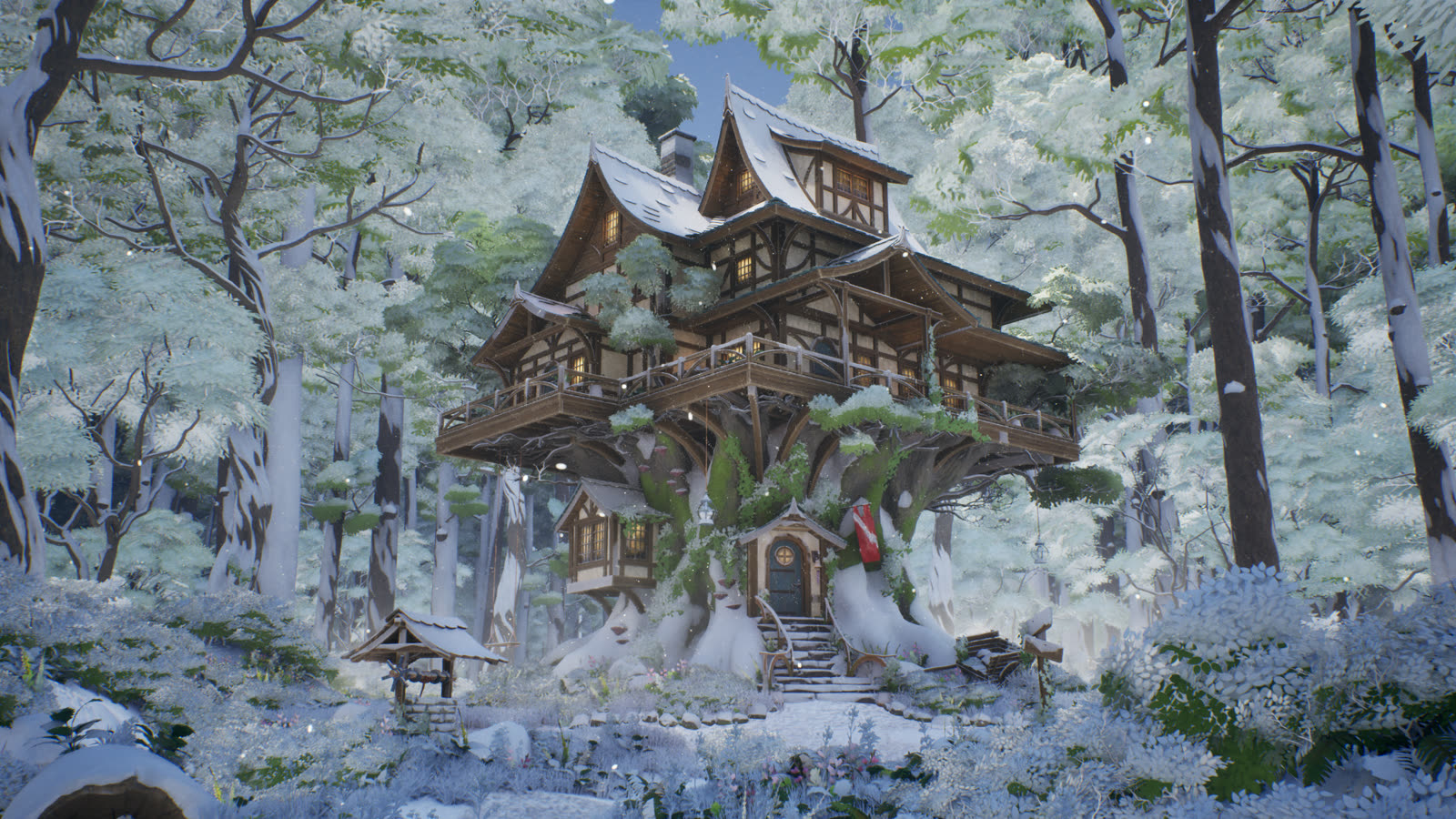
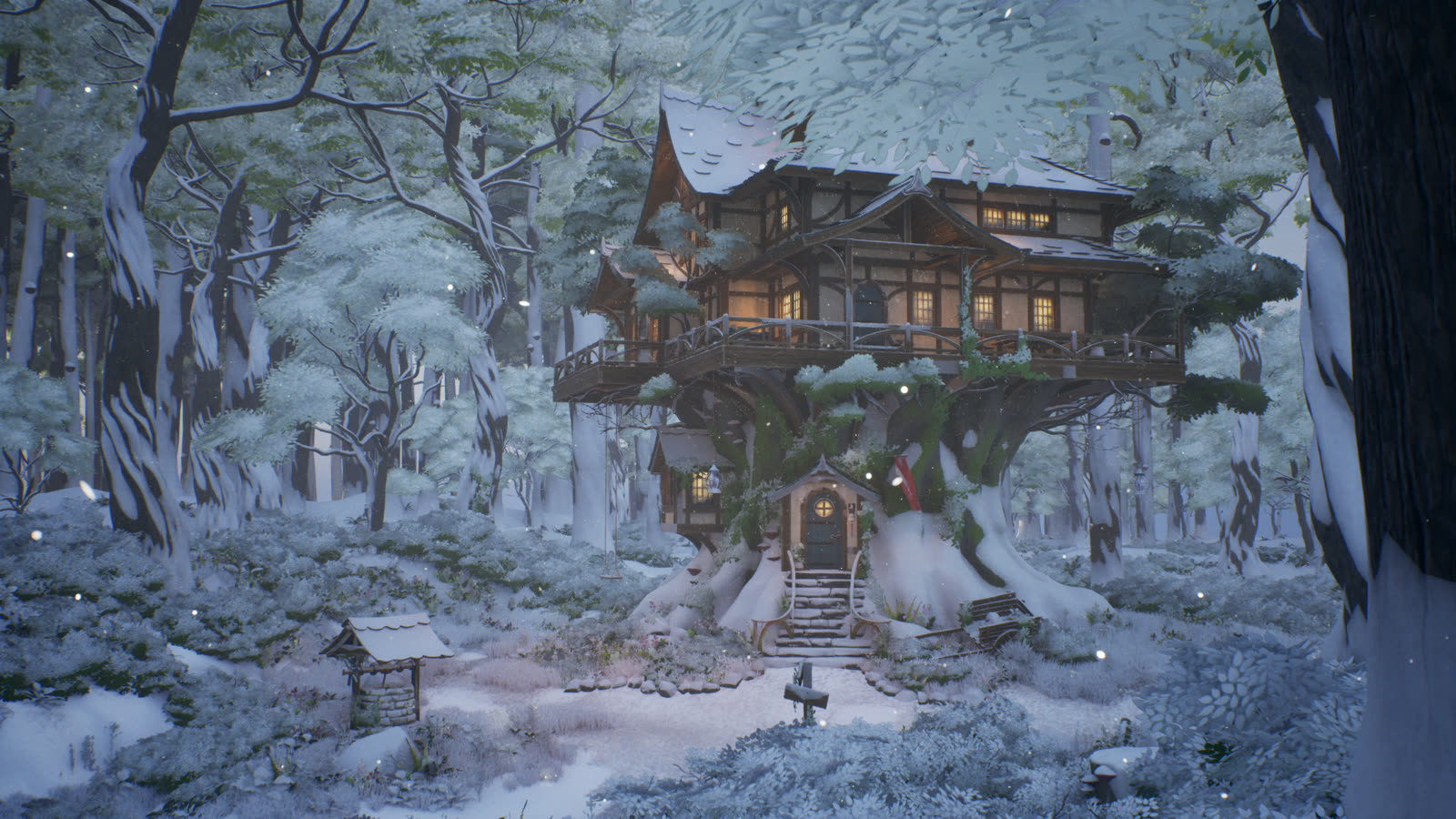
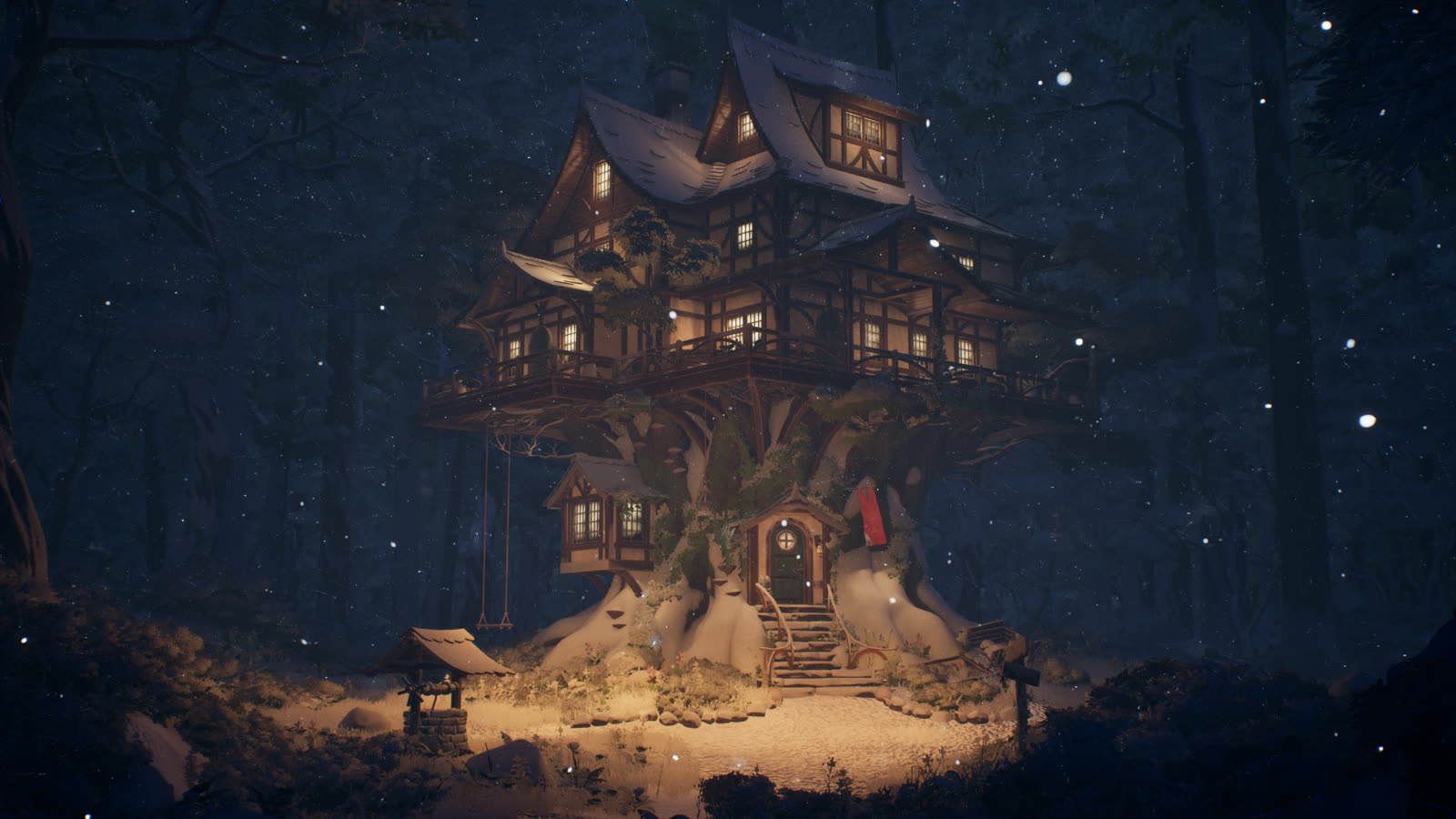
Snow textures: ambientCG Snow006 (CC0) · Music: "Cozy Winter" by Pan-Pan Gou, panpangou.com · Unreal Engine 5.8